Solly's Blog
Note#
I wrote this post a while ago and am unsure if this still works. The doc links I used to use now throw a 404. Your mileage may vary.
Intro#
Added an 'All Categories' section to the sidebar and enabled spell checking on ckeditor, a WYSIWYF (What you see is what you get) editor.
Check out this video about how to enable it in a Django project!
After scanning through a few Github repos, I came across SCAYT. It's a plugin for django-ckeditor. The installation directions instruct you to clone a repo into the plugins folder, but when I checked that folder, I noticed SCAYT was already there!
Turns out that SCAYT is a plugin that's included by default when you pip install django-ckeditor. I tried finding Youtube videos or guides on how to get it working, but nothing worked for me!
I decided to visit the git repo of django-ckeditor itself and was blessed with great doc on how to do it! All you need do is add CKEDITOR_CONFIGS to the settings.py file. For some reason, they have since deleted this doc.
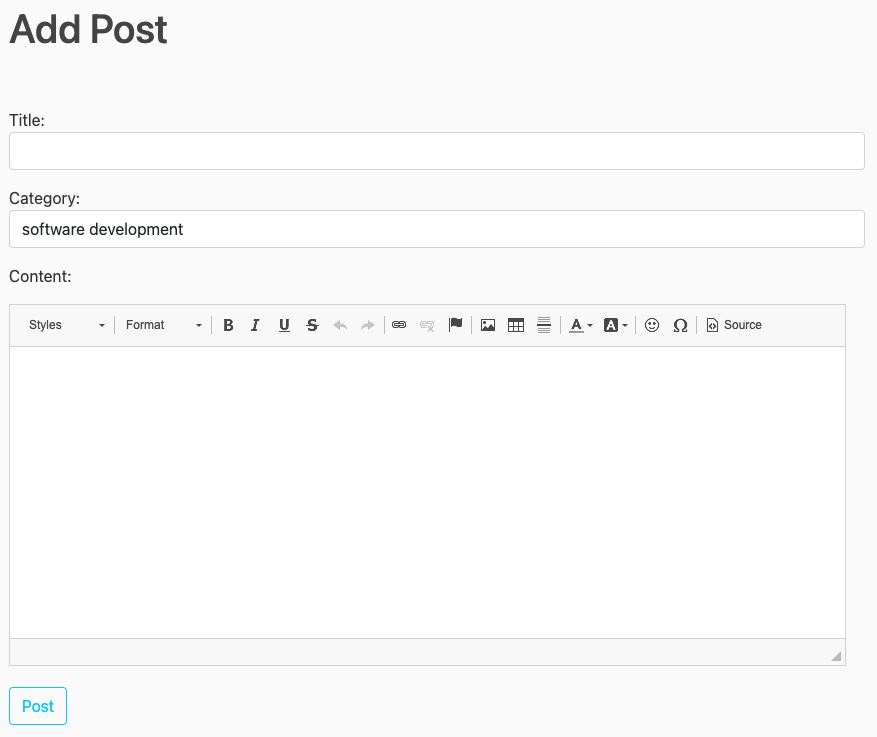
After adding this code to my django settings file, I got all this new functionality.
CKEDITOR_CONFIGS = {
'default': {'toolbar': 'full'},
}Before#
After#
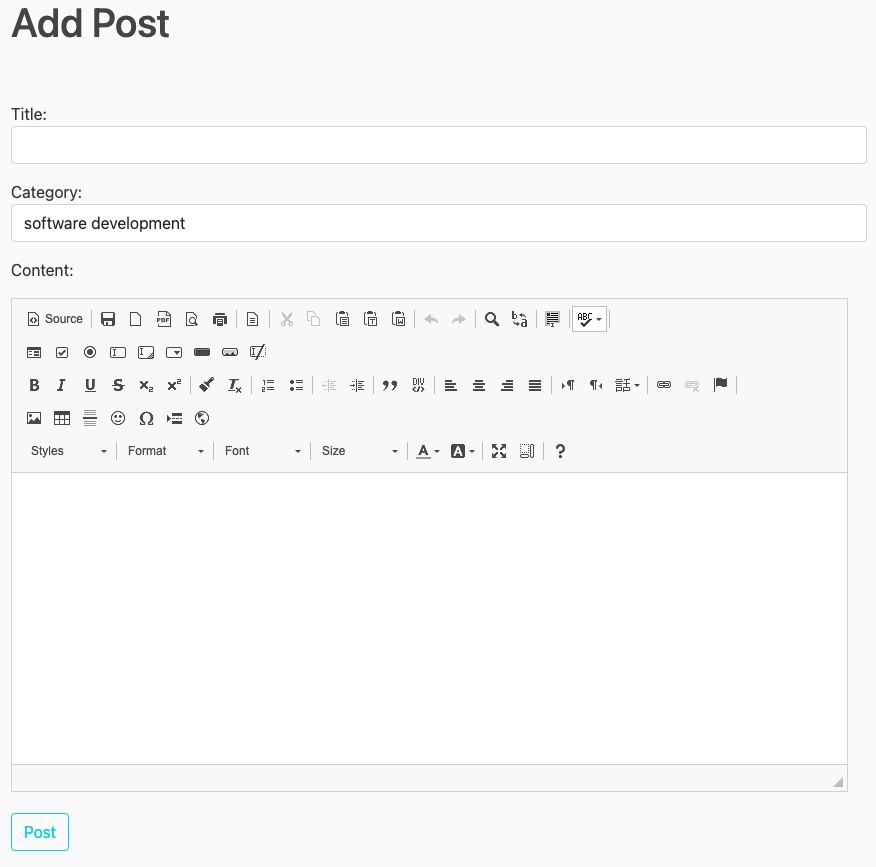
I think there are way too many buttons going on here, but at this point in the website, I am the only one making posts, so I will leave it for now. Plus, it's fun to have so much rich text functionality.
The second problem I ran into is that SCAYT is not enabled by default. You need to click on it and choose 'enable’ start spell checking my posts.
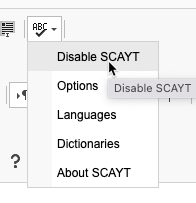
Turns out, there is an option you can set in ckeditor's config.js file which is located in /static/ckeditor/ckeditor/config.js
config.scayt_autoStartup = true;
After adding this property to that file, it now enables on-load!