
Improving Web Accessibility With Figma Wireframes
in Web Dev
Last updated:

The journey began when I ran my first Google Lighthouse test and scored 86% for A11Y (Accessibility). From there, I added alt text to all my images and increased the contrast in several areas. This brought my score to 100, but I would hardly call my site accessible at that point.
I recently read through WCAG 2.1. Okay, I didn't read it cover-to-cover but combined with a few Youtube videos and several additional automated tools recommended by W3, I found more ways to increase accessibility.
The primary issue with my site was that I was not correctly implementing semantic HTML. Turns out elements like < h1 > and < h2 > don't just change font-size; They provide meaningful structure to the page, allowing search crawlers, power users, and the visually impaired to navigate a site.
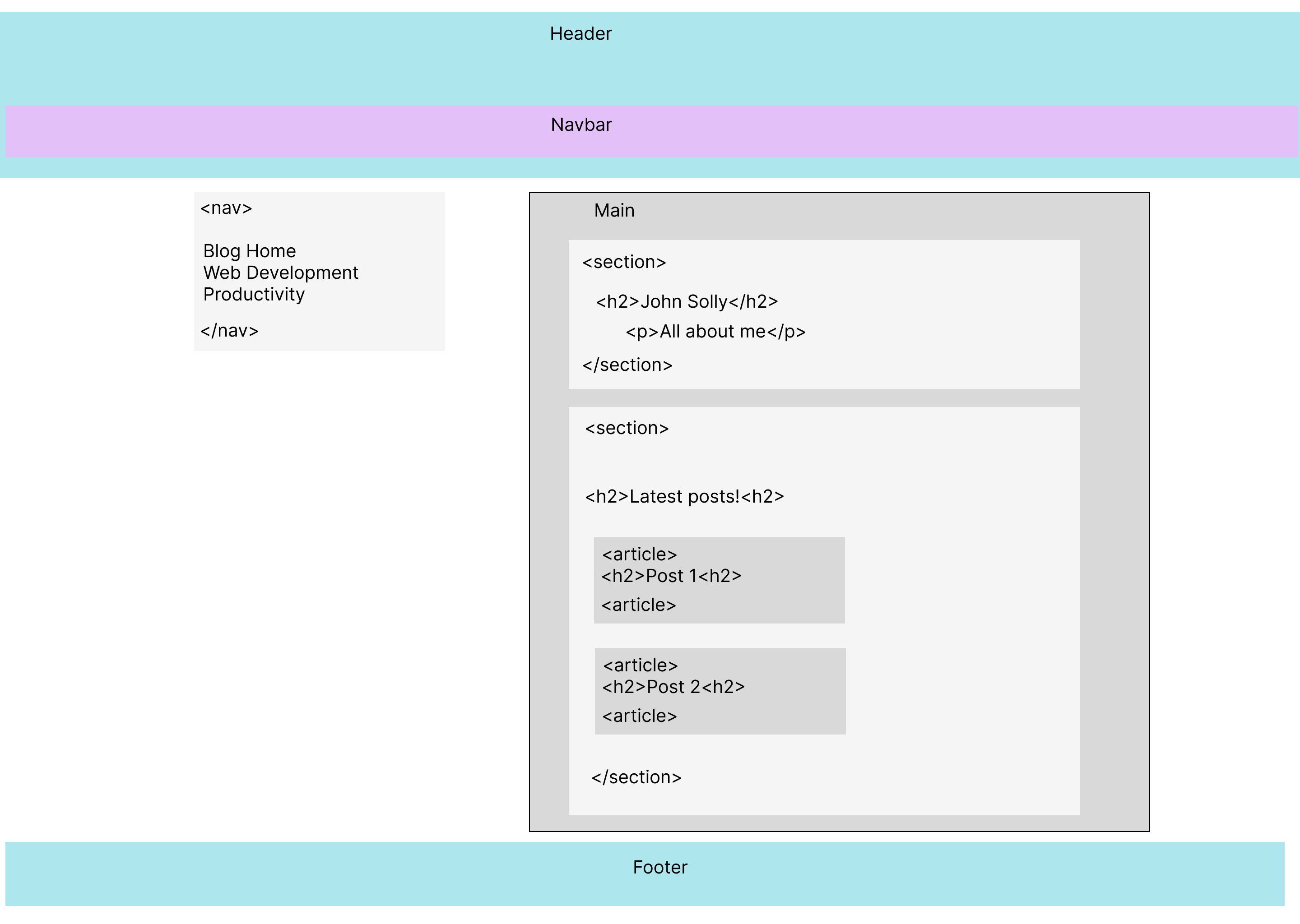
After creating a wireframe of my site in Figma, I added landmark elements, ensured my headings followed a sequential order, and added a few nice-to-haves like a skip link to allow keyboard users to skip over the nav right into the main content of the page.
Figma wireframe of blogthedata.com's homepage
Although never finished, I think I've made great strides toward a more accessible website!
Comments
- No comments yet.


Related Posts
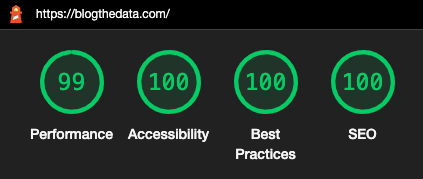
Optimizing Your Website's Performance With a Google Lighthouse Audit
 2 min read
Improve website performance with Google Lighthouse Audit. Learn how to increase mobile and desktop scores for Performance, A11Y, Best Practices, and SEO.
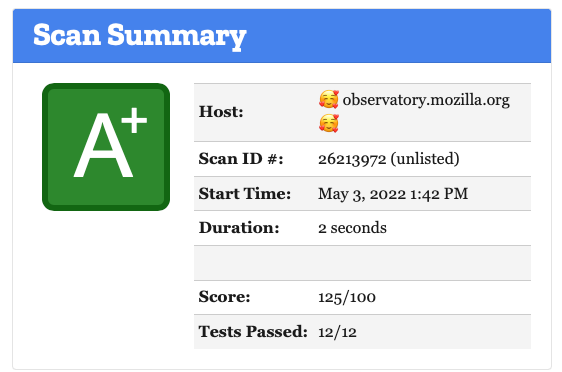
How I Improved My Security Score With Mozilla Observatory: A Guide
13 min readDiscover how to improve your rating using Mozilla Observatory's security assessment tool. See the steps I took to upgrade my score from a 'F' to an 'A+'.

0

Optimize Render Blocking Resources With Template Blocks in Django
3 min readLearn how to optimize your website's page load speed with template blocks and a Google Lighthouse audit. Discover how to remove unnecessary CSS and JavaScript.
0

John Solly
A hands-on AI practitioner who transitioned to a CTO role to broaden my impact.
Most of my career has been dedicated to developing spatial systems at Esri, startups, and federal agencies. Currently, I lead technology strategy for Leidos' Health IT division, supporting agencies such as SSA, VA, and HHS.
My primary focus is the convergence of spatial computing and AI, enabling machines to interpret the physical world and applying these capabilities to meaningful missions.
Please reach out if you are interested in spatial systems or advancing AI within the federal government.
0