Solly's Blog
All I needed to do to add TypeScript to my JavaScript project was install TypeScript, add a config file, and change the file extensions from .js to .ts. You can see the code change in this PR.
sudo npm install -g typescript// tsconfig.json
{
"compilerOptions": {
"target": "ES6",
"outDir": "./built",
"rootDir": "./src",
"strict": true
}
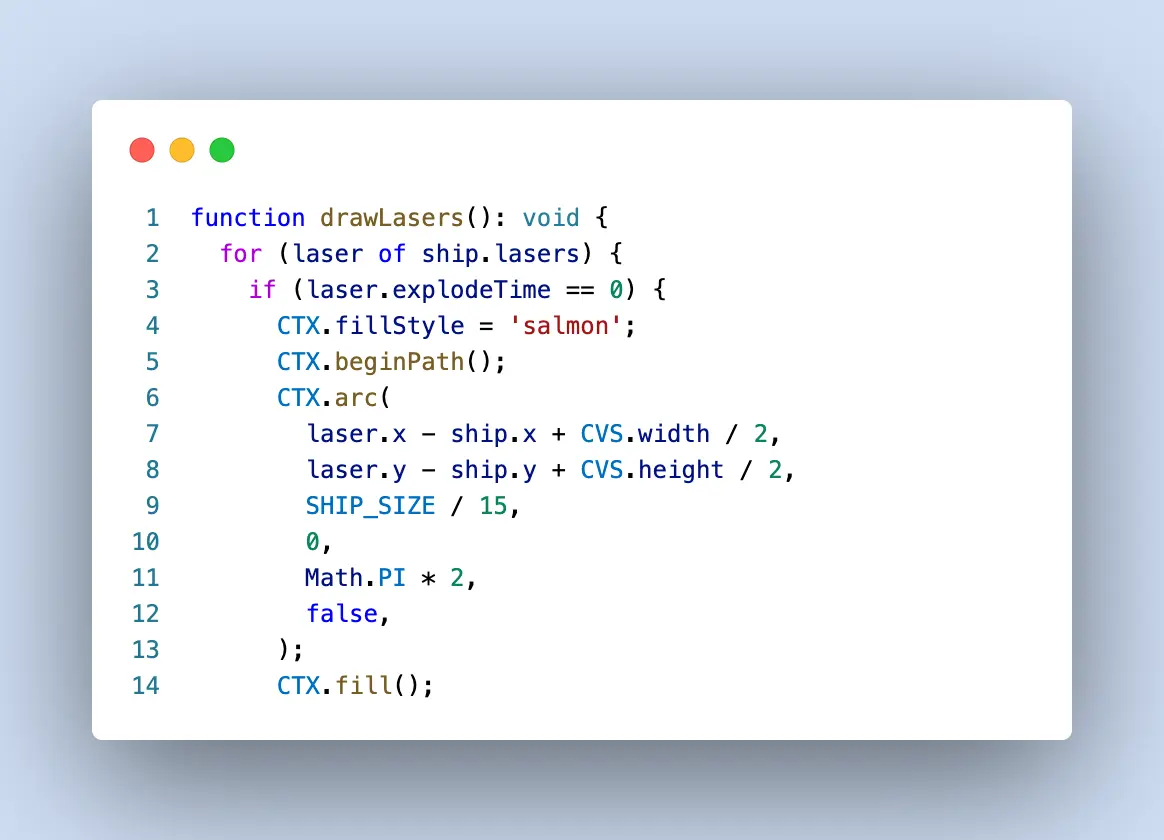
}Now, when I run $ tsc TypeScript files are compiled into JavaScript and placed in a folder named ./built. Although the app works, it's not flexing TypeScript until I add types to my variables and functions and resolve the 210 warnings spit out to the console on the compile step.
Found 210 errors in 9 files.

Errors  Files
    39  src/asteroids.ts:18
    27  src/canvas.ts:5
    29  src/collisions.ts:34
     2  src/keybindings.ts:10
    42  src/lasers.ts:22
     9  src/scoreLevelLives.ts:39
    28  src/ship.ts:134
    30  src/soundsMusic.ts:8
     4  src/utils.ts:9
Stay tuned for a future post about my journey to resolving all these errors!