
(Video) Effortless Real-Time Comments in Django Using HTMX

in Web Dev
Last updated:

Discover how to effortlessly add real-time commenting functionality to your Django application using HTMX. In this tutorial, we'll guide you through the step-by-step process of integrating HTMX to enable users to add comments without a page reload. This seamless approach enhances user interaction and provides a modern, responsive experience.
What You'll Learn:
Setting up HTMX in your Django project
Creating an endpoint for adding comments that returns HTML fragments
Implementing real-time comment addition with HTMX
Whether you're a beginner eager to explore new Django features or an experienced developer looking to add real-time capabilities to your app, this tutorial is tailored for you. Follow along, and take the first step in bringing your Django app to life with HTMX!
Stay tuned for the next video in this series, where we'll cover how to delete comments using HTMX.
Link to the PR where this feature was implemented on my blog: https://github.com/jsolly/awesome-django-blog/pull/348
Comments
- No comments yet.


Related Posts
 1 min read
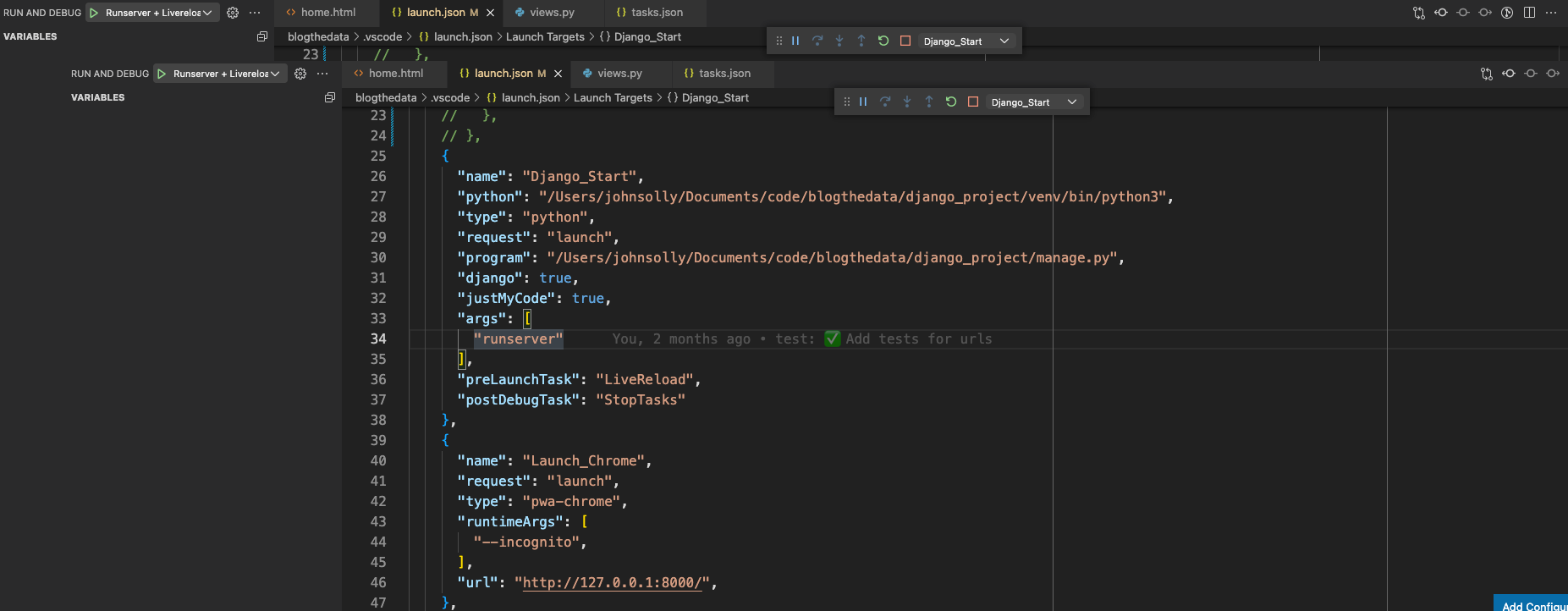
Create a one-click development environment: A tutorial on launching runserver, livereload, and Chrome together
 4 min read
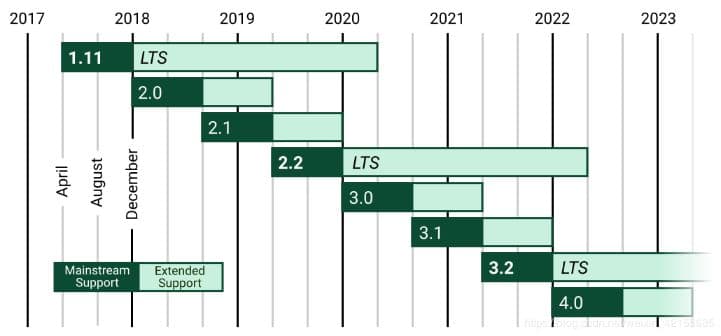
Navigating dependency and migration errors while upgrading to Django 4.0 - A guide to upgrading from Django 3.2.14 to 4.0.5

0
 1 min read
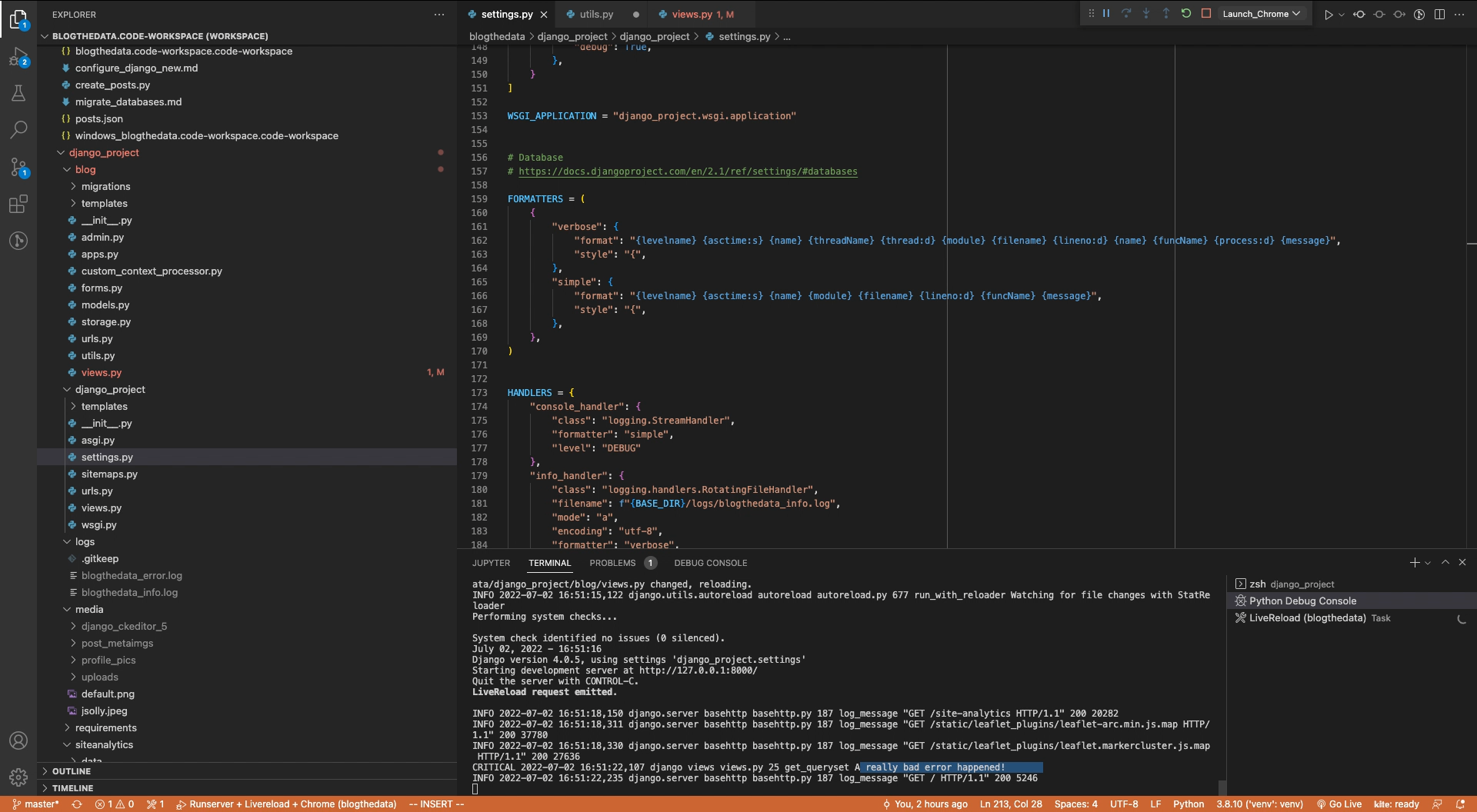
Learn how to set up logging in a Django app for effective monitoring and debugging in this comprehensive guide
0

John Solly
A hands-on AI practitioner who transitioned to a CTO role to broaden my impact.
Most of my career has been dedicated to developing spatial systems at Esri, startups, and federal agencies. Currently, I lead technology strategy for Leidos' Health IT division, supporting agencies such as SSA, VA, and HHS.
My primary focus is the convergence of spatial computing and AI, enabling machines to interpret the physical world and applying these capabilities to meaningful missions.
Please reach out if you are interested in spatial systems or advancing AI within the federal government.
0