Solly's Blog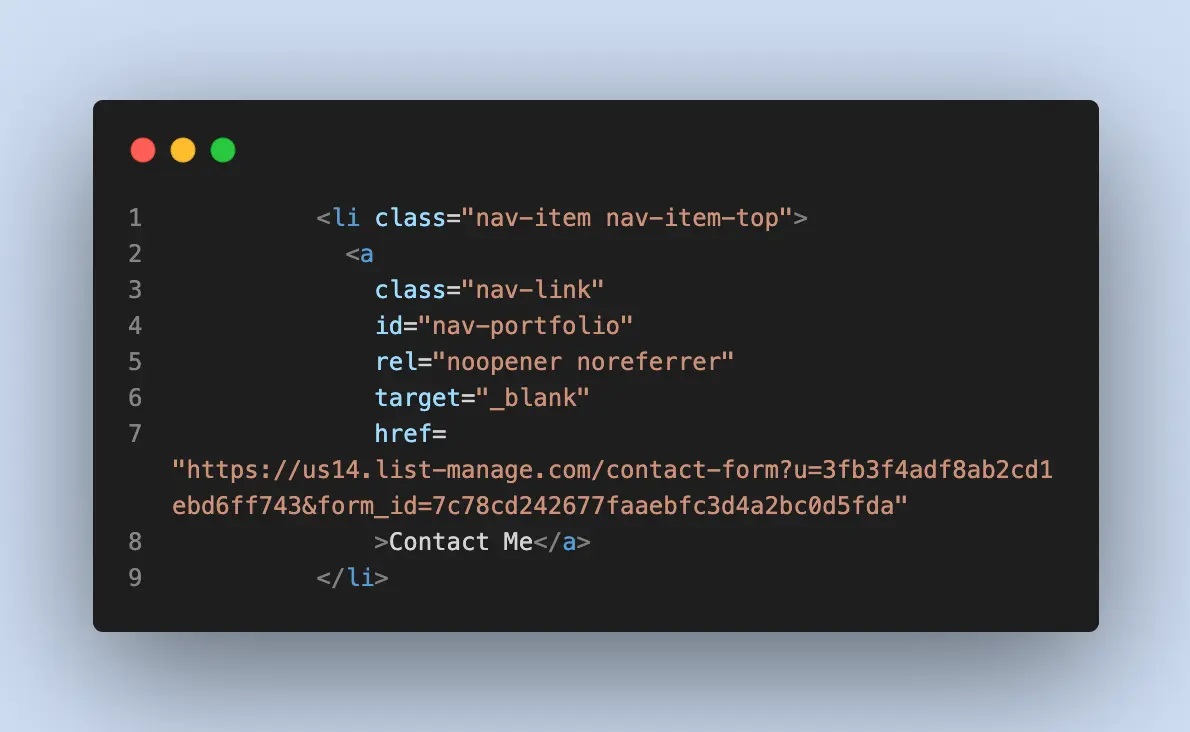
Today I am going to talk about these three values of the rel attribute for HTML links.
- noreferrer
- noopener
I'll point you to this article for a deep dive on noreferrer and noopener (And I've just linked you to the MDN docs on the attributes).
The gist of them is that they protect users from being tracked across websites. See, whenever a link is clicked, the default behavior is that information about the current window and domain are passed to the target window and target domain. By using these properties together, traffic to linked sites behave like direct traffic instead of backlinks.
For example, if someone clicks on my LinkedIn profile link from the homepage, LinkedIn opens in a new tab.
<a href="https://www.linkedin.com/in/jsolly/" rel="noopener noreferrer" target="_blank">Linkedin</a>But from LinkedIn's perspective, it looks like they visited the URL directly (instead of coming from blogthedata.com) because referrer and window.opener are cleared out. This is nice for users because it improves their cross-site privacy.
Add these attributes to external links today to increase the privacy of your users!